


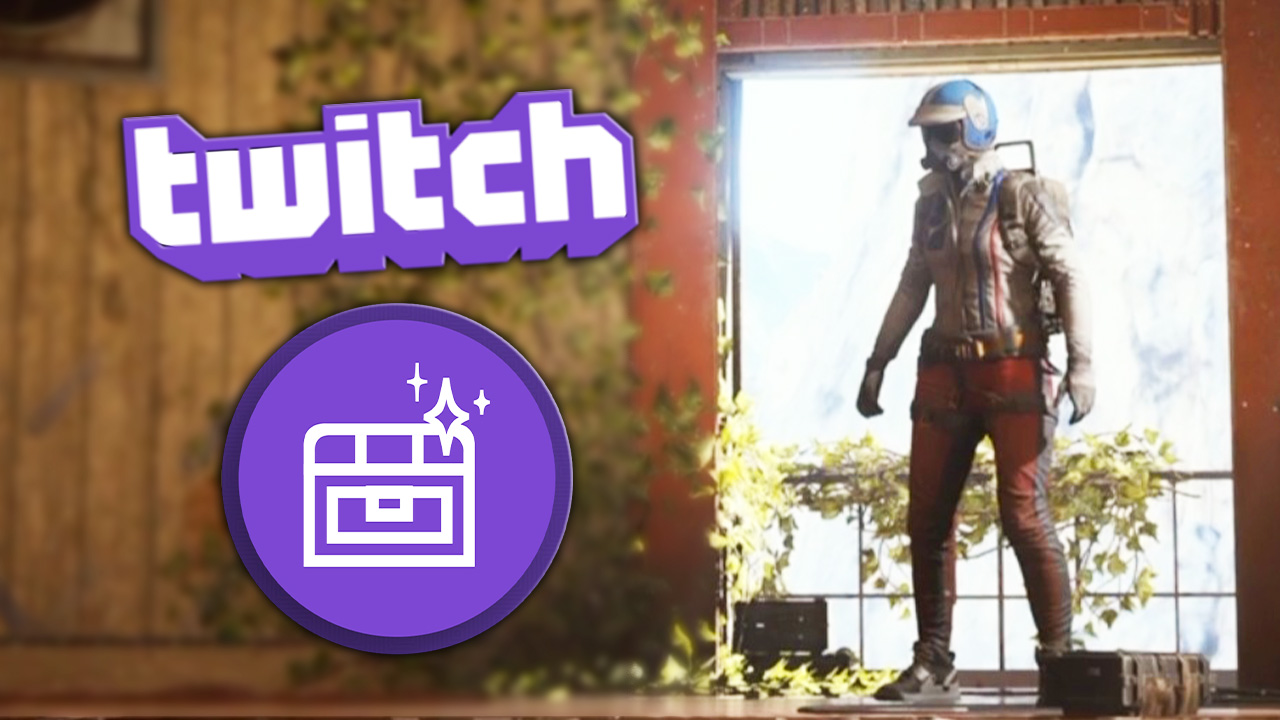


You can once again earn free extras for ARC Raiders through Twitch. We’ll show you which rewards are available and what you need to watch out for so your watch time actually counts.
With Frozen Trail, ARC Raiders not only received a new map, weapons, and gadgets, but also its own Outpost for furnishing and research. To go along with the update, you can also grab a few free extras through Twitch. Here are the rewards, campaign dates, and steps you need to follow to make sure your watch time is tracked properly.
ARC Raiders Frozen Trail: All Twitch Drops and How to Get Them
From October 8 to November 4, 2026, you can earn two backpack charms by watching participating streamers play ARC Raiders. Embark lists the following rewards and requirements:
- Oxygen Respirator: A backpack charm shaped like an oxygen respirator. You need to watch for 60 minutes.
- Mailbox: A backpack charm shaped like a mailbox. You need to watch for 120 minutes.
Both items are purely cosmetic. The Oxygen Respirator will not help you breathe, and the Mailbox will not give you extra storage space either. You only need two hours of watch time in total to unlock both Drops. You do not have to watch one hour for the first reward and then another two hours for the second. Twitch tracks your watch time toward the campaign rewards at the same time.
How to Link Your Accounts and Claim the Twitch Drops
It is best to link your accounts before you start watching. Make sure you use the Embark ID that is actually connected to your ARC Raiders account.
- Sign in to your Embark ID.
- Open Connected platforms and link your Twitch account. Also check that the platform you use to play ARC Raiders is connected to the same Embark ID.
- Sign in to Twitch and open an ARC Raiders livestream marked “Drops Enabled.”
- After a few minutes, check your Twitch Drops Inventory to make sure your progress is increasing.
- Once a reward reaches 100 percent, claim it there using the corresponding button. Simply watching for two hours does not complete this final step automatically.
You also do not have to stay with the same streamer. Twitch tracks your watch time across participating channels, so if one streamer goes offline, you can switch to another channel with Drops enabled and continue from there.
Your Twitch Drops Aren’t Progressing or Are Missing? Check These Things
Not every stream counts. The important part is the Drops label. VODs and clips do not give you progress because Twitch only counts eligible livestreams. Opening several streams at the same time will not make the progress bar move any faster either. If your progress stops, first check whether you are logged into Twitch and whether the channel is actually participating in the campaign. For watching, it is best to use a desktop browser or the Twitch app on your smartphone. According to Twitch, Drops are not supported in console or Smart TV apps.
Does the Drop show 100 percent but still not appear in the game? Check your Twitch Inventory first to make sure you actually claimed it. After that, verify your account connections, since Twitch needs to be linked to your game account before the reward can be delivered.
If you already watched before linking your Embark ID, your progress is not necessarily lost. Twitch generally allows you to earn and claim Drops before connecting the relevant game account, then link it afterward. Check your Drops Inventory first before sitting through another two hours of streams.
0 comments
No comments yet. Start the discussion.
Create an account to comment
Sign in or create a free Guided account to join the discussion.