



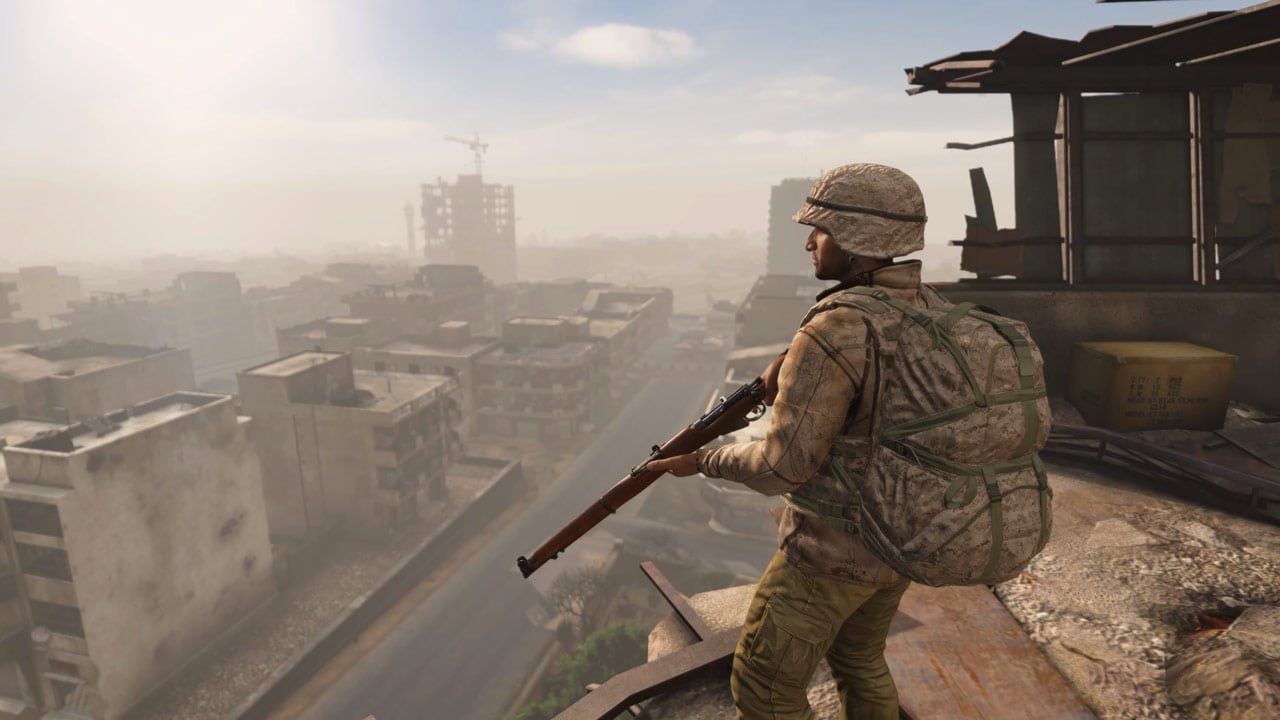


You finally make it through the queue, only for DayZ Badlands to send you straight back to the desktop. There are already a few community workarounds for crashes while loading the new map that are worth trying.
You picked up DayZ Badlands for less through the Steam bundle and want to explore Nasdara along with its new base-building system, but after making it through the queue, the game crashes while loading. Several players are reporting the same problem. A few workarounds have already helped some of those affected, while others are still stuck. Here’s what you can try and what remains unclear.
DayZ Badlands: Players Crash While Loading Nasdara, These Fixes Might Help
First of all, the issue will likely be fixed as quickly as possible. If you do not want to wait, however, there are a few community workarounds you can try in the meantime. Some of them may seem obvious, but they have already helped certain players, as users have reported on Reddit.
Fix 1: Verify Your DayZ Game Files on Steam
Try verifying the game files through Steam first. This has already helped some players resolve the crashes.
- Open your Steam Library.
- Right-click DayZ and select Properties.
- Open Installed Files and click Verify integrity of game files.
- Wait for the process to finish, then try joining a Nasdara server again.
This method does not work for everyone, however. The creator of the Reddit thread had already verified their files and continued to experience crashes afterward. If the same thing happens to you, you can try the second workaround.
Fix 2: Temporarily Lower Your Graphics Settings to “Medium”
One player in DayZ Experimental 1.30 managed to stop the crashes by lowering the graphics settings from “Extreme” to “Medium.” Experimental is the public test version of DayZ. According to their report in Bohemia’s bug tracker, they were then able to rejoin the server and move around normally. Switching the settings back to “Extreme” caused the game to crash again immediately.
- Start DayZ and open the graphics settings from the main menu.
- Take a screenshot of your current settings so you can restore them later.
- Temporarily set the graphics options to “Medium.”
- Try joining the Nasdara server again.
This workaround has not yet been confirmed for the current Nasdara crashes. It is also unclear which individual graphics setting may have been responsible in the reported case.
What May Be Causing the Nasdara Loading Crashes in DayZ Badlands
In the Reddit thread about the Nasdara crashes, one player described three failed connection attempts. After getting through the queue, the usual 15-second countdown started. When it reached zero, DayZ closed without showing an error message.
According to the player, a message saying something along the lines of “Data Error” or “Data Verification Error” only appeared when they tried to reconnect. Restarting the PC and verifying the game files did not help in their case. They also said they were not using any mods. Other users in the comments confirmed similar issues. “Anonshin” also reported that a similar error had already prevented them from playing the test version:
“I couldn’t play Experimental because of this bug.”
Players have also reported crashes on Steam and in Bohemia’s bug tracker. Whether the same technical cause is behind those cases and the current Nasdara problems remains unclear. As of our research on October 15, we have not found a confirmed hotfix specifically addressing the issue.
If the crashes continue, note down the exact error message, the server you were joining, and when the crash occurred, then report the issue through the DayZ bug tracker. It helps to specify whether the game crashes during startup, after the countdown, or only after spending a few minutes on the map. Can you get onto Nasdara, or does the game send you back to the desktop after the countdown too?
0 comments
No comments yet. Start the discussion.
Create an account to comment
Sign in or create a free Guided account to join the discussion.