


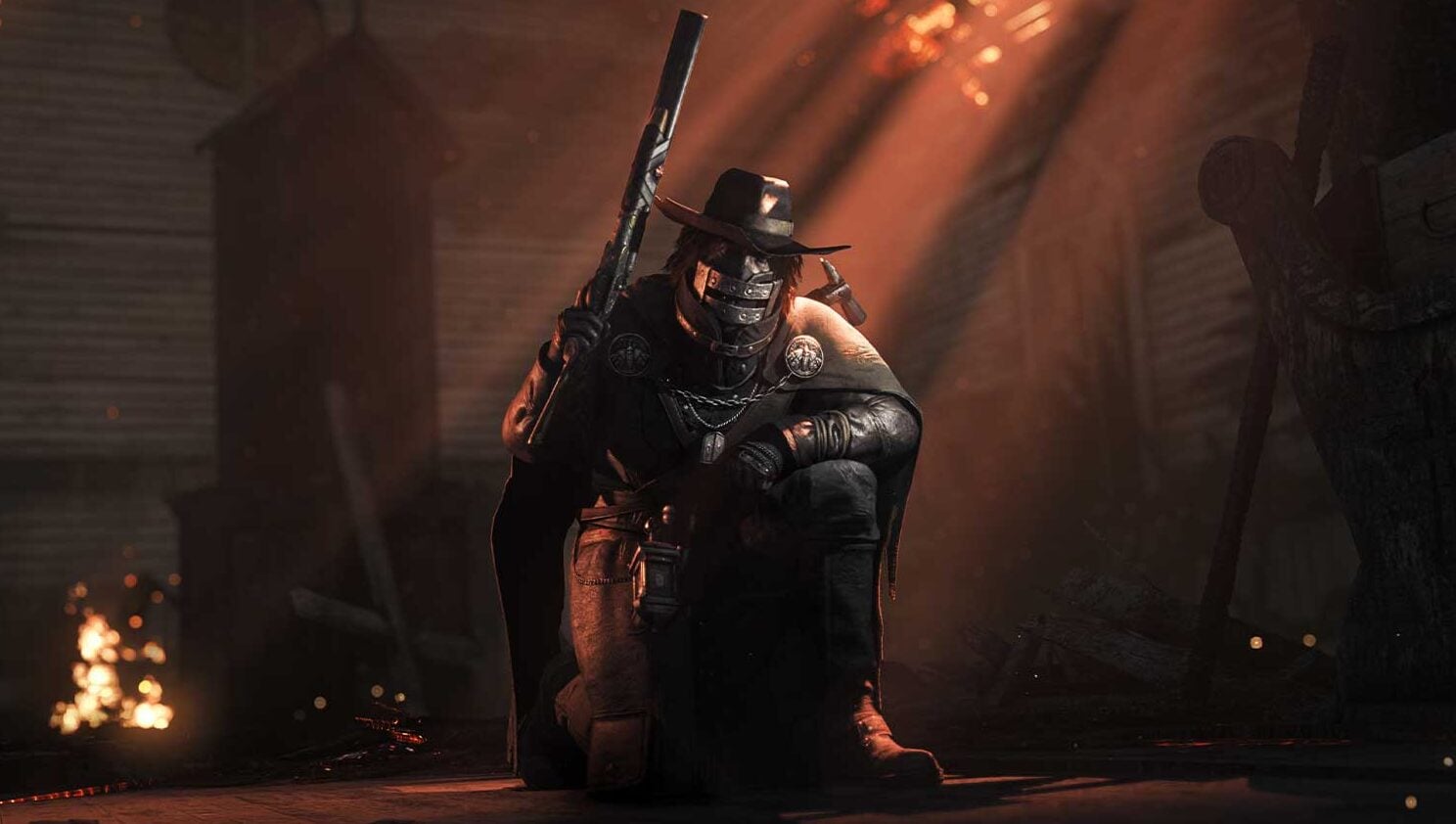


Can’t equip skins you already unlocked, or can barely hear your teammates? Hunt: Showdown 1896 tackles several annoying issues with Update 2.9.1 and adds new rewards at the same time.
While you’re currently hunting the new Bloodskin boss in Hunt: Showdown 1896, other parts of the match may still be causing problems. Update 2.9.1 fixes issues with controls, team chat, and rewards. It also adds new profile pictures and the four-chapter Premium Story Challenge “Cursed Kin.” Two unintended player advantages are being removed as well.
Hunt: Showdown 1896 Update 2.9.1 Fixes Dark Sight Exploit and Adds New Rewards
Are your teammates suddenly too quiet in voice chat, or is sprinting with a controller acting up? Update 2.9.1 for Hunt: Showdown 1896 fixes several issues like these and closes an exploit that could grant unlimited Dark Sight under certain circumstances.
The patch also adds new profile pictures for DLC owners and introduces the Premium Story Challenge “Cursed Kin.” With Update 2.9.1, more Hunters can now be selected as avatars for your player profile. If you own the corresponding DLC, you automatically receive the matching profile picture. No additional purchase is required. These DLCs and Hunters are included:
| DLC | New Avatar |
|---|---|
| Death’s Herald | Sofia |
| Shrine Maiden’s Hell | The Miko |
| The Penitent | The Penitent |
| Commedia Della Morte | Scaramuccia |
| The Shadow Under the Cowl | The Cowl |
| Bridgewater’s Honor | Sgt. Bridgewater |
| Souls of a Feather | Scourge: Morrigan and Scourge: Midian |
| The Phantom of the Catacombs | The Bone Mason |
| The Concubine | The Concubine |
| Still Waters Run Deep | Biatata |
| The Reckoning Son | The Prodigal Son |
| When Shadows Dance | Hayalî |
“Cursed Kin” Adds Four Chapters With New Rewards
The new Premium Story Challenge “Cursed Kin” consists of four chapters. Rewards include the Legendary Hunter Cousin Jed, a Combat Axe skin, and several profile extras.
Here is what you can unlock in each chapter:
- Chapter 1: Cousin Jed as a profile avatar and Legendary Hunter.
- Chapter 2: The profile title “Cursed Kin” and the Combat Axe skin “The Slasher.”
- Chapter 3: A Cousin Jed profile frame and the “Restless Rotation” equipment animation for the Combat Axe.
- Chapter 4: The “Moses Family” profile avatar and the “Suffer the Silence” weapon charm.
The available patch notes do not list a price for the Premium Story Challenge.
Update 2.9.1 Fixes Exploits, Challenge Bugs, and Audio Issues
Among the gameplay fixes, the unlimited Dark Sight exploit stands out the most. Under certain circumstances, players could abuse it to keep Dark Sight active indefinitely. The exploit has now been fixed. A safe spot at First Testimonial Church has also been corrected. Players were previously able to stand there without being hit by Bloodskin’s attacks. Controller users should also be able to sprint reliably again. Sprint controls had behaved inconsistently in some situations.
Several fixes affect progression and unlocked equipment:
- Various weapons and tools now correctly count toward the “Kill Armoreds with: Piercing Damage” objective in the “Written in Blood” Story Challenge. The objective requires you to kill Armoreds with piercing damage.
- Shared Challenge progress now updates correctly when restoring a teammate’s health.
- Skins already unlocked through the “Blood Testament” Battle Pass can now be equipped even if the related item variant itself has not yet been unlocked.
- The Battle Pass reward window now appears correctly when you earn Event Points without completing an objective.
- Selling a single Trait no longer accidentally sells two Traits.
- The tooltip for “Lightfoot” now correctly describes how it interacts with “Catalyst.”
The patch also cleans up several audio issues.
Bloodskin’s teleport sound could continue playing indefinitely for some players near boss compounds. That has now been fixed, along with overly loud mechanical sounds from the Burgess while you are downed. Your teammates should also return to the correct volume after enabling Proximity Chat. Previously, the setting could make team voice chat too quiet. Further fixes address missing menu sounds, the Burgess equip animation, and the scope on the “Checks and Balances” skin. Its scope previously appeared slightly smaller than the standard Nitro Express version.
The patch also corrects DLC shop text for “Sage of Joseon,” the display of new Newsfeed entries, and navigation when purchasing the Battle Pass. On Steam, the option for buying Blood Bonds from the equipment animation side menu now correctly opens the Store again. On PlayStation and Xbox, external action links are working again. You can also assign a Quick Slot button to the currently selected equipment item again. On PlayStation, the patch additionally fixes an issue that could cause menu images to take unusually long to load. Which Update 2.9.1 fix matters most to you?

0 comments
No comments yet. Start the discussion.
Create an account to comment
Sign in or create a free Guided account to join the discussion.