



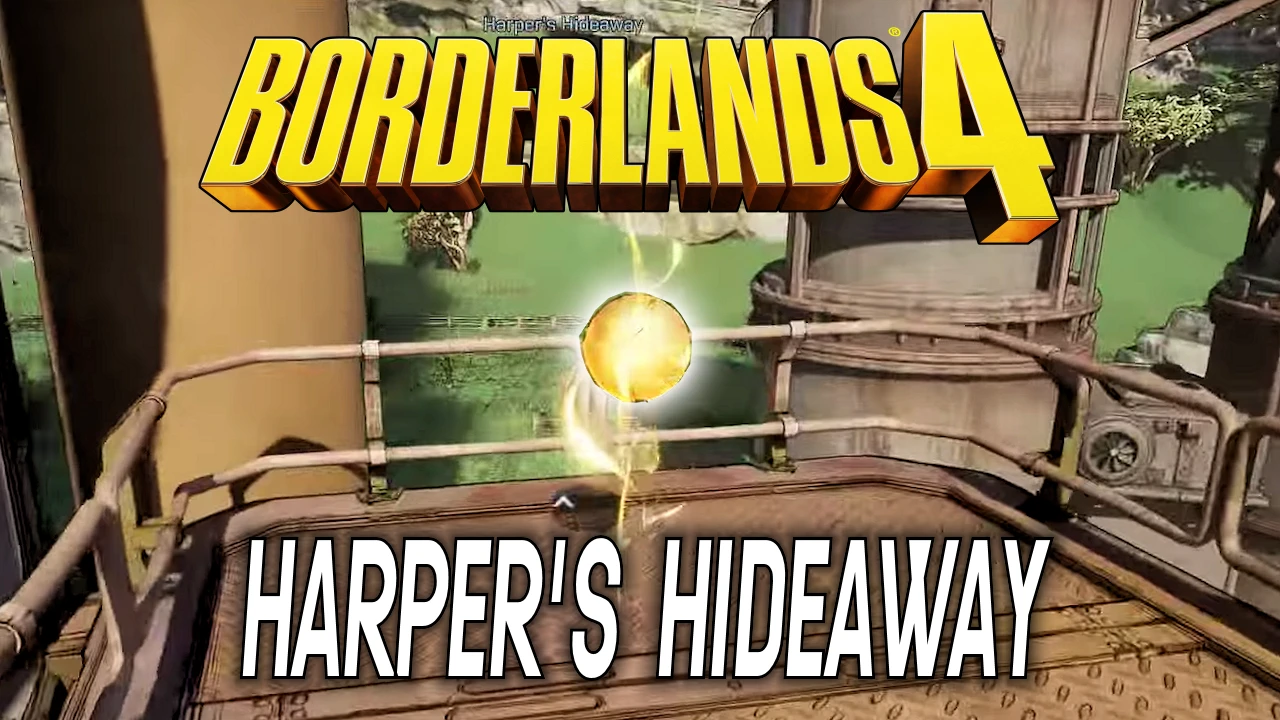


The Evocarium is a unique collectible mechanic in Borderlands 4. Scattered across these special zones, you’ll find shimmering golden orbs—and in this guide, I’ll walk you through exactly where to find them in Harper’s Hideaway.
Here’s what you’ll learn:
- Where to find Harper’s Hideout in Borderlands 4
- The exact locations of all three orbs in the Evocarium
- Tips to make orb-hunting easier
Where to Find Harper’s Hideaway in Borderlands 4
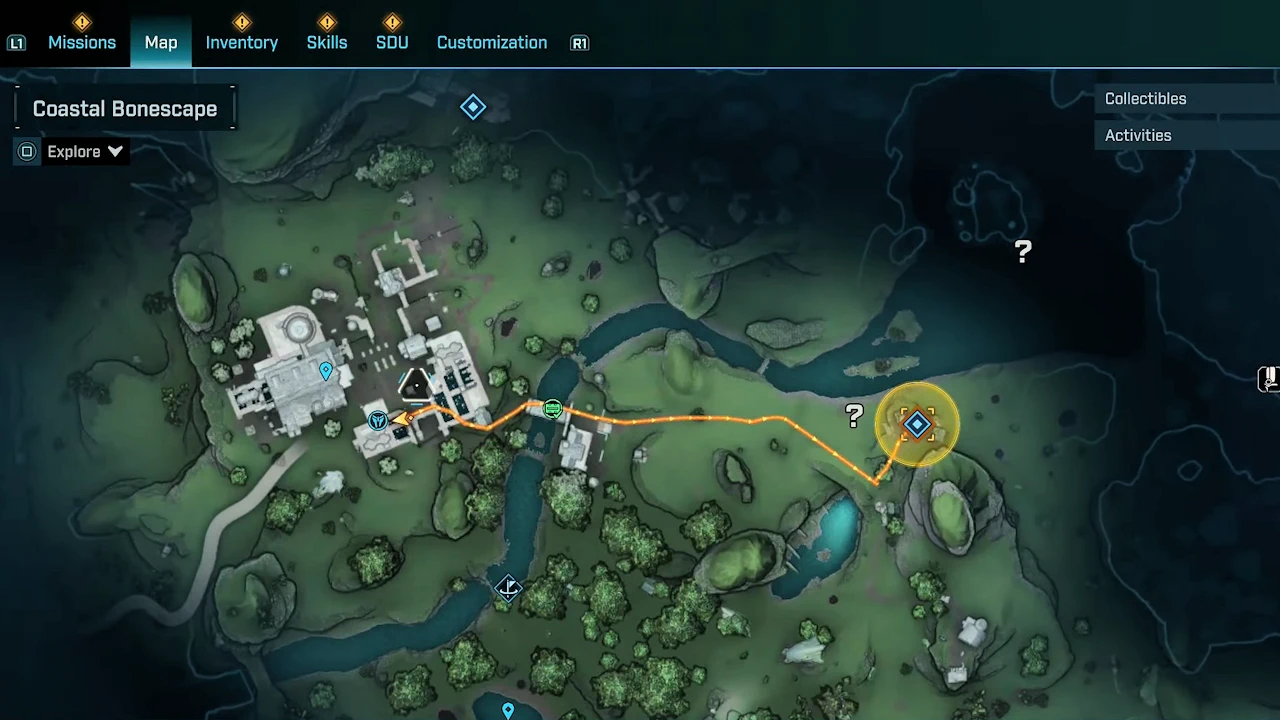
Harper’s Hideaway is located on the western edge of the Coastal Bonescape region, just north of Stillshore. The Evocarium is tucked away in the southern part of the hideout. The screenshot below shows the exact location on the map.
Orb Locations in Harper’s Hideaway
Finding Orb #1
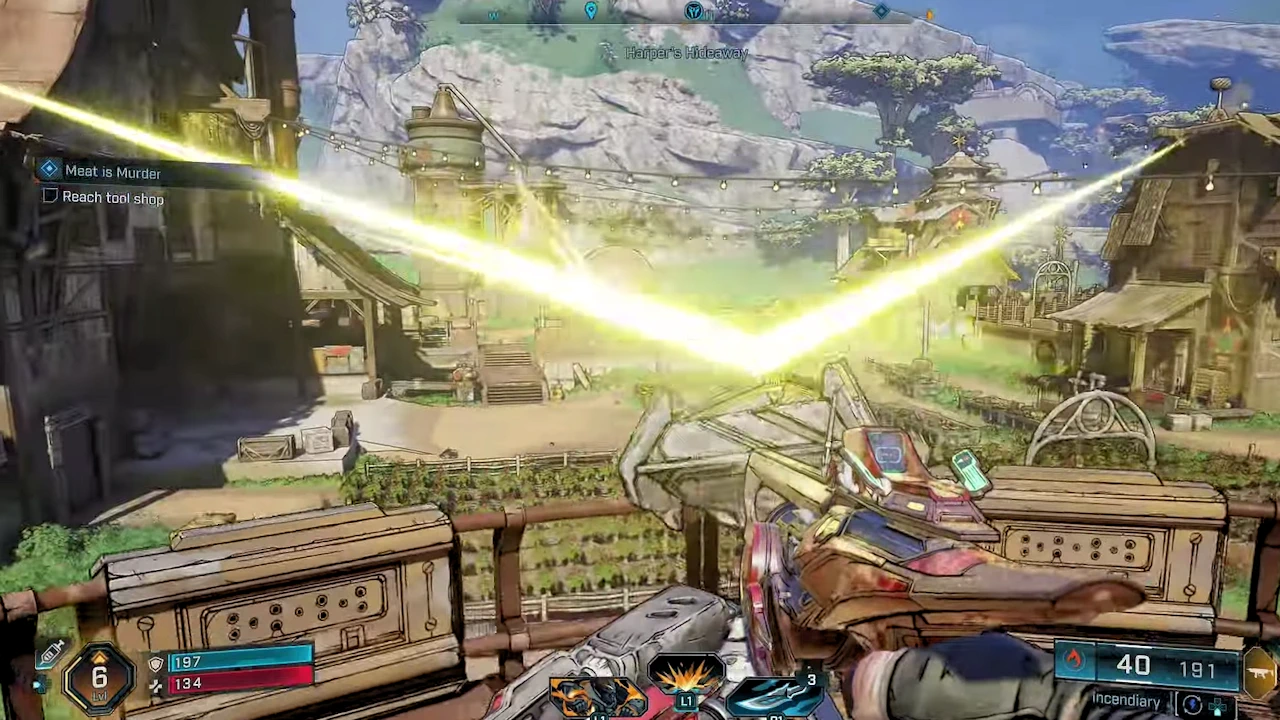
Once you’ve activated the Evocarium shrine (see left image below), head to the right (or east of the shrine) and look for an elevated spot. The first orb is sitting on a platform behind a rooftop, which you can reach by climbing over a series of walls. The orb is highlighted in red in the screenshots below.
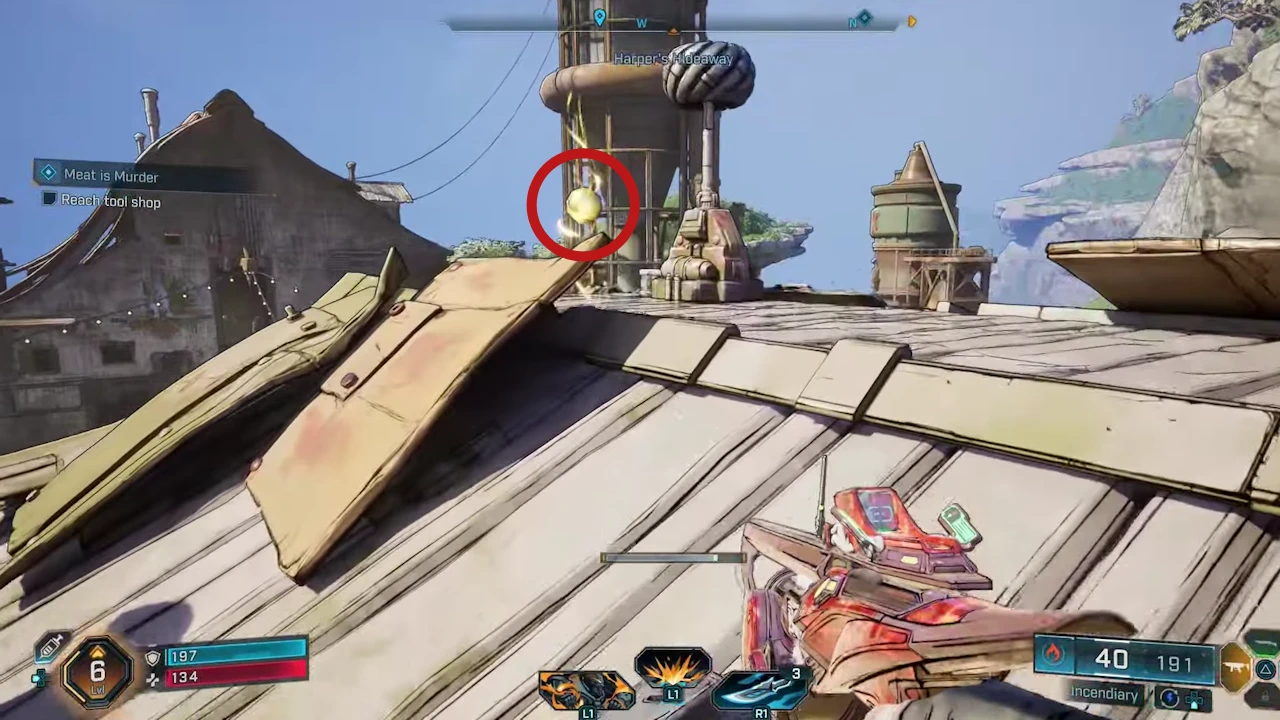
Tip: Keep an eye on ledges, platform edges, and elevated ruins or rock structures. Sometimes the paths are hidden, and you’ll need to do a bit of climbing. In Harper’s Hideout, the orbs aren’t spread too far apart.
Finding Orb #2
The second orb is located near the center of Harper’s Hideout, on a tower-like structure. But don’t climb too high—it’s sitting on the first level, on a platform that wraps around part of the tower. The screenshot below shows the exact spot, marked in red.
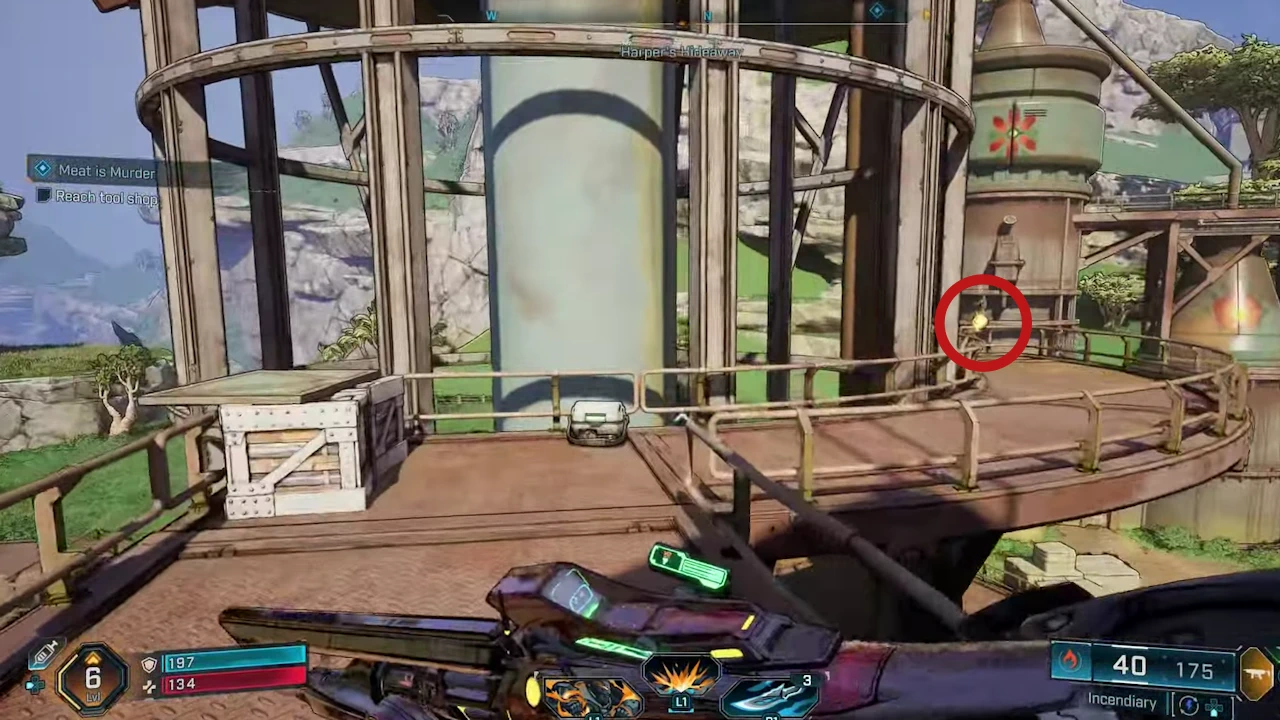
Tip: If you’re struggling to find orbs, try scouting from higher ground. You’ll often spot a beam of light or glow that gives away their location. Sometimes you’ll need to use ramps or clamber over debris to reach them.
Finding Orb #3
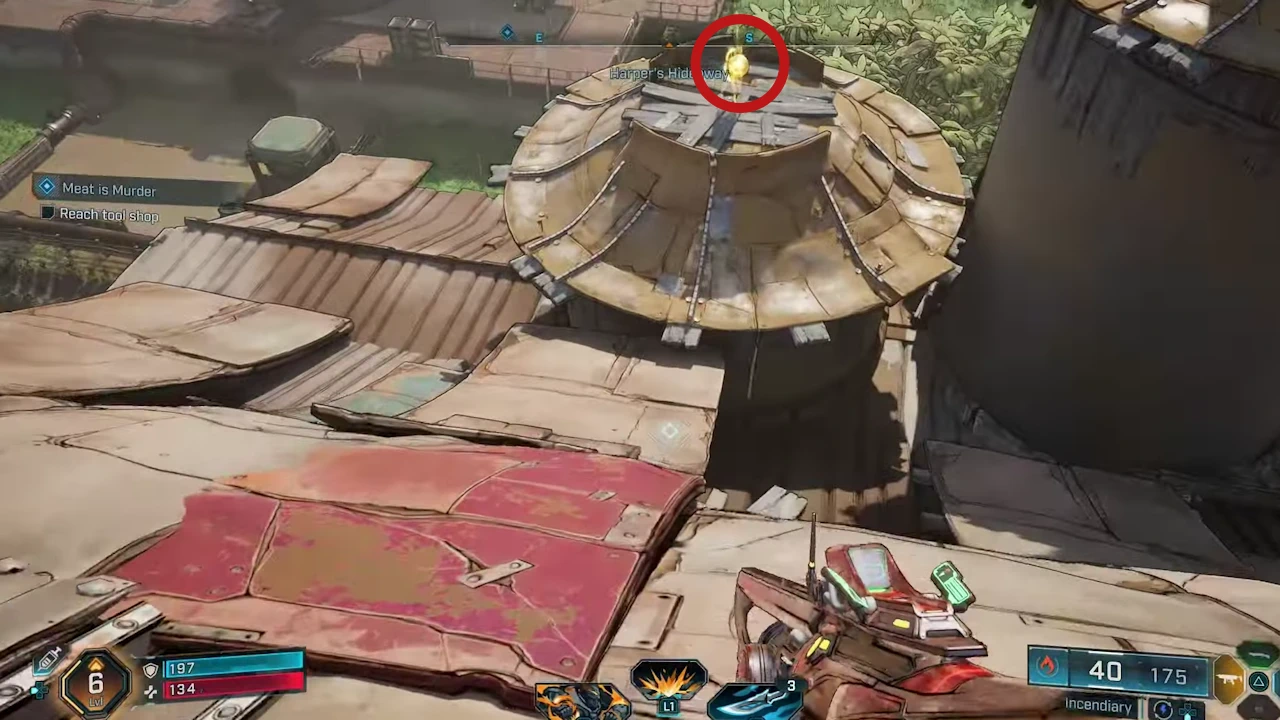
The final orb is south of the shrine, near the edge of the Evocarium zone. Look out for rock formations or natural barriers—you’ll need to climb or navigate around them. Your goal is the rooftop shown below, which lets you glide straight to the orb.
For additional support with the game, you can also join our community on Discord. By the way, we test all the tips mentioned in this guide ourselves to ensure they work, and we update the article whenever new content or patches appear.

0 comments
No comments yet. Start the discussion.
Create an account to comment
Sign in or create a free Guided account to join the discussion.