



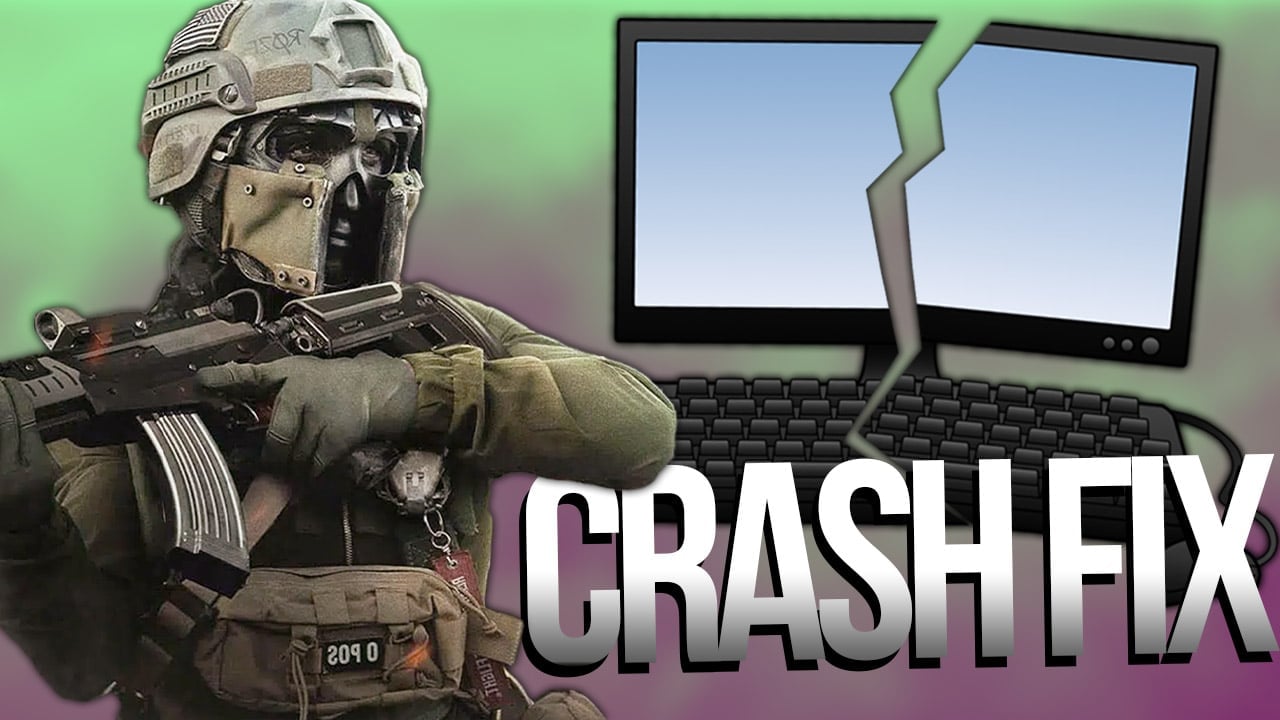


Call of Duty Modern Warfare 2 has been delighting shooter fans with lots of shooter action for a few days now – but unfortunately also with crashes, at least in the PC version. We’ll now explain how you can fix the PC crash.
What’s at stake? Are you playing Call of Duty: Modern Warfare 2, but are you experiencing crashes on your PC? Then there are a few ways that can help you solve this problem. We’ll give you some tips on how to avoid PC crashes.
Modern Warfare 2 Keeps Crashing on PC? Here’s How to Fix Persistent Crashes!
Crashes of games on PC can have various causes. If you are affected by a PC crash in Modern Warfare 2, you can try the some possible solutions that should most likely solve the problem for you.
1. Check System Requirements
It might sound a bit obvious, but if Modern Warfare 2 keeps crashing on you, then you should check if your PC meets the (minimum) system requirements. You can read about the system requirements here:
2. PC Crash Because of Old Software? Update Graphics Drivers
Outdated graphics drivers can also be a reason for a PC crash of Modern Warfare 2. So make sure you check if your graphics card is running the latest software – because manufacturers often release updates shortly after the release of a current AAA title to optimize the hardware for the respective game.
- Graphics card drivers Nvidia
- Graphics card driver AMD
- Graphics card driver Intel
3. Install System and Software Updates
If your PC crashes frequently while playing Modern Warfare 2, you should check not only your graphics card drivers, but also your system itself. You might not have installed the latest system updates yet. So check your PC’s system settings under Windows Updates to see if you might have missed an essential update.
4. Close Other Apps to Avoid a PC Crash
If you are using other apps like Discord or a browser while gaming, you should close these apps. Your PC may not be able to handle the system load, causing Modern Warfare 2 to crash due to lack of resources. This is especially the case if your PC just barely meets the system requirements.
5. Verify the Integrity of the System Files
One reason why Modern Warfare 2 crashes on your PC can be due to corrupted game files. To make sure that there is no problem with the files, you should run a quick check. If you play Modern Warfare via Steam, do the following:
- Right-click on the game title in your Steam library to open the context menu and click on “Properties”.
- Select the “Local Files” tab and click on “Check Game Files for Errors”.
- If Steam detects an error, it will automatically re-download the affected files.
If you use the Battle.net launcher instead of Steam, check the files this way:
- Start your Battle.net client and select Modern Warfare 2.
- Click on the gear next to the blue button “Play” to open the options.
- Now select the “Scan and repair” option and click “Start scan”.
| More about Modern Warfare 2 |
6. Graphics to Blame for PC Crash? Change Texture Settings
Another way to fix a Modern Warfare 2 PC crash could be to change the texture settings. To do this, simply access the options menu in the game and select a different texture quality. Some players report that this measure should help against crashes.
We hope that you will be able to fix the crash problem with our tips and play Modern Warfare 2 undisturbed in the future. Want to join our community and discuss Modern Warfare 2? Then join our Social Media Channels we are looking forward to you! In case of persistent problems contact our admins in Discord, Sascha & Kevin are happy to help!
0 comments
No comments yet. Start the discussion.
Create an account to comment
Sign in or create a free Guided account to join the discussion.